Business cards
Your contacts as a little stack on six paper designs. Search, flip, then call, message or mail. The cards age with your wallet.

Made for iPhone Duo
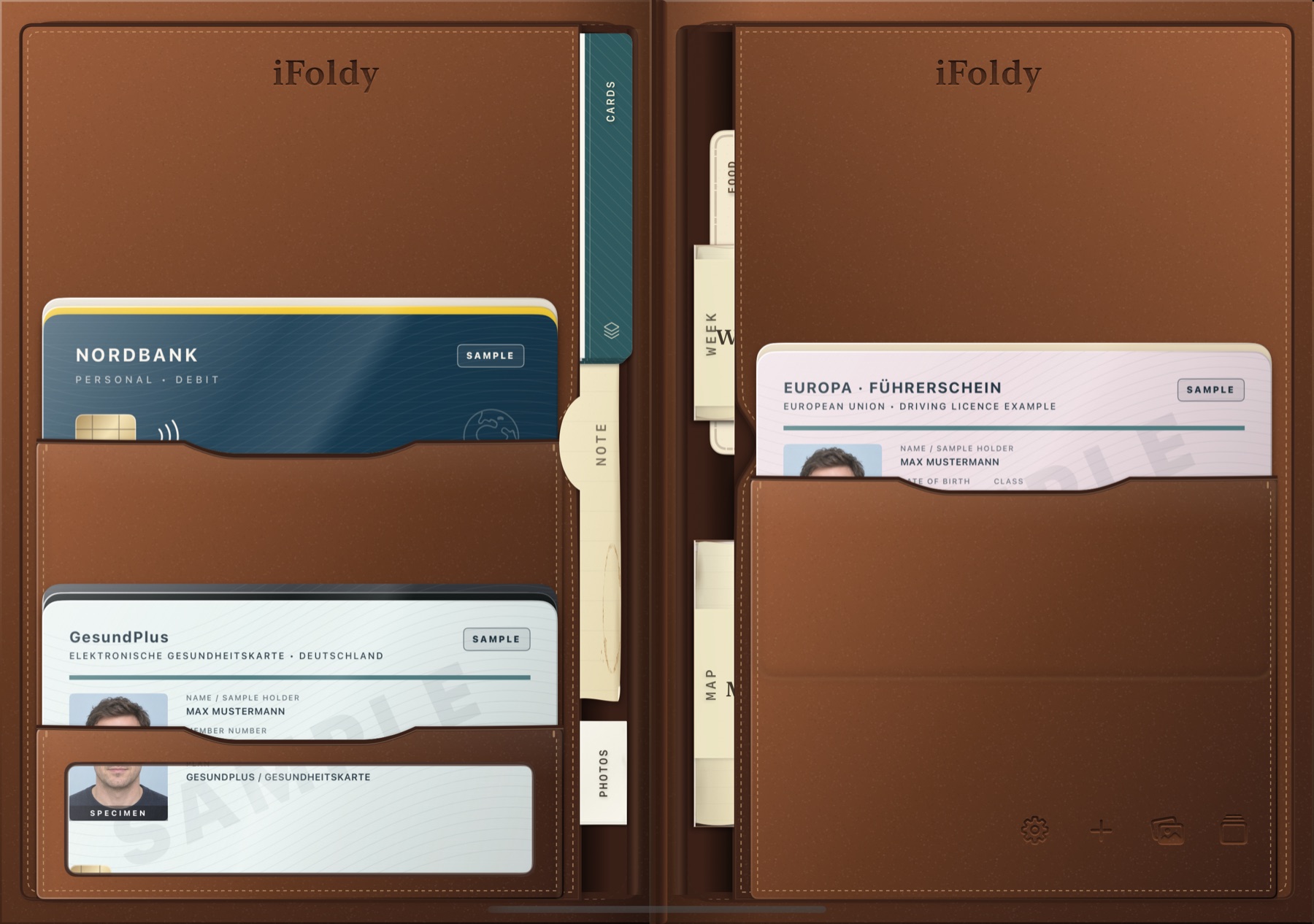
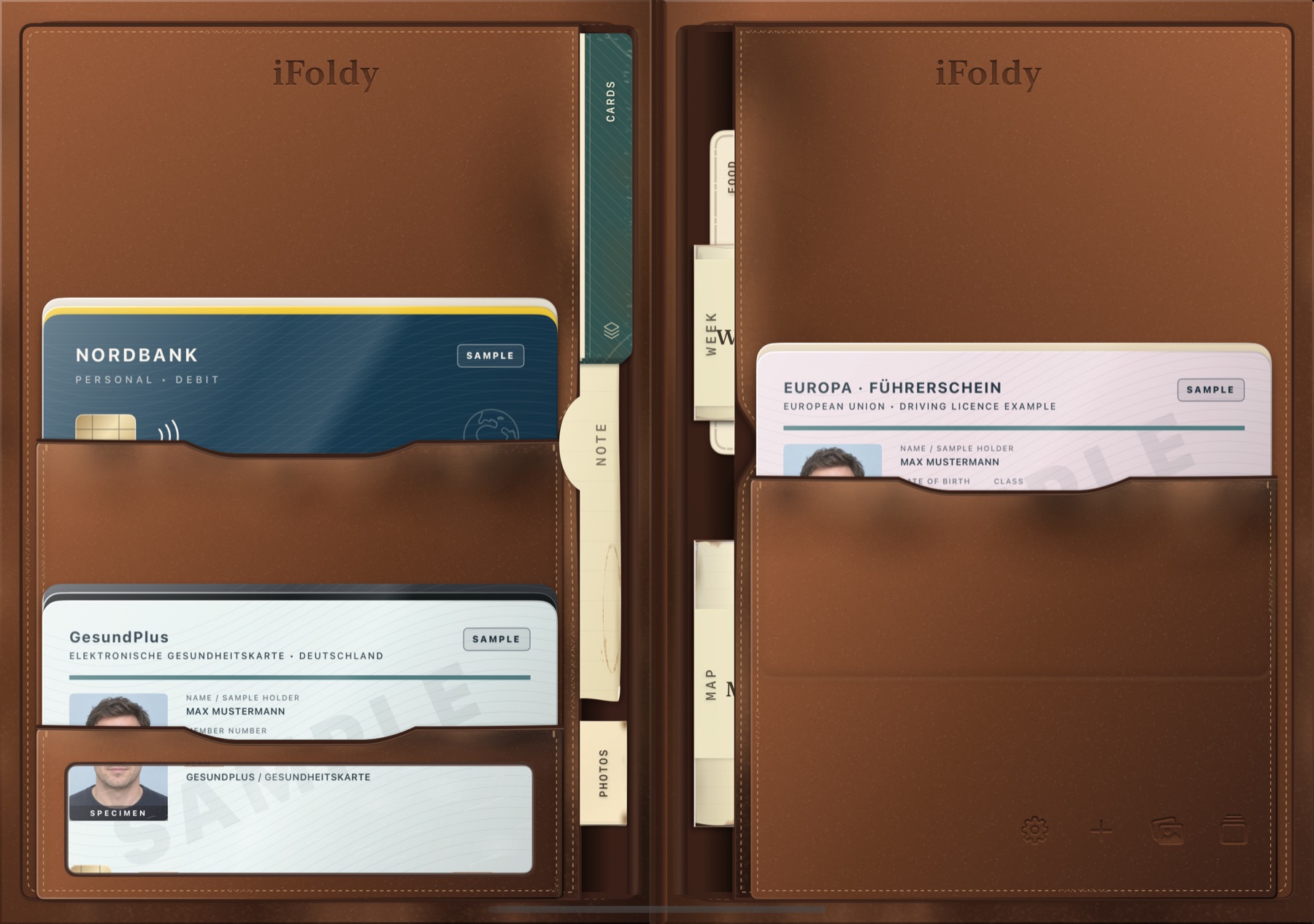
iFoldy turns iPhone Duo into stitched leather. Closed, the cover display is the front of the wallet. Unfold the phone and the wallet opens with it — two leaves, your cards in their pockets, a note and a paper map tucked in at the spine.
The hinge
No extra button, no virtual flip. iFoldy reads the Duo’s own hinge: open the phone and you look straight into the wallet; close it and the leather cover is waiting on the outside.
The inner display becomes a book-shaped wallet with pockets on both leaves and slip sleeves along the fold.
Folded, the outer display is the closed wallet — with your own name and logo burned into the leather, if you like. To open it, open the phone.
Your cards, their pockets and the selected card survive every change of display. A card in your hand slides home before the phone closes.
Cards
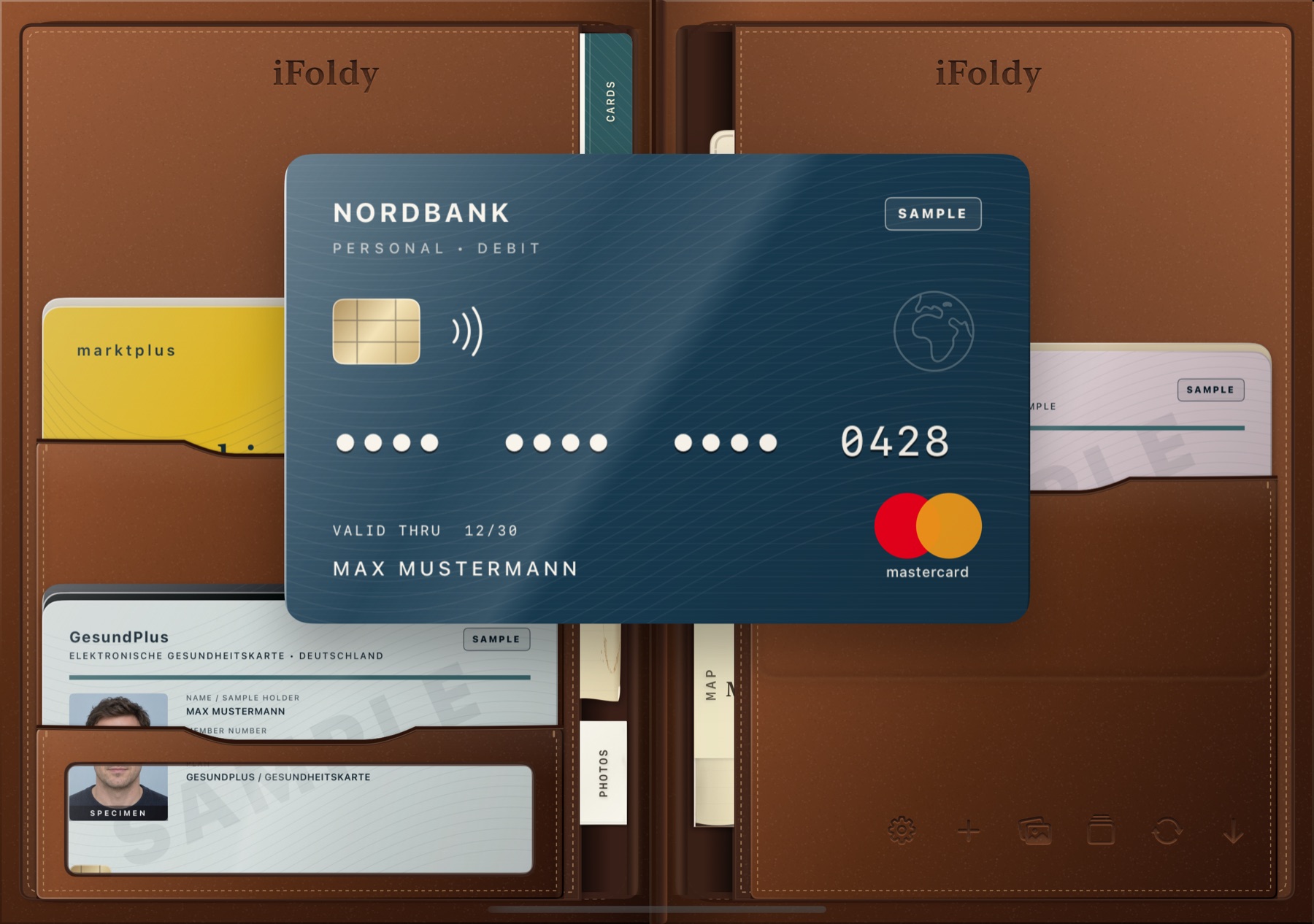
Cards sit in stitched slots, stack behind each other and press faint corners through the leather. Hold a stack to fan it, pull the one you want, turn it in your hand — then slide it back where it lives.
Hold a card steady and iFoldy captures it automatically, straightens the edges and reads the text — all on the device.
You cover card numbers and security codes with opaque masks and confirm both sides. Only the masked images are stored.
Classic, Cascade, Offset or four, six and eight pockets across both leaves. Drag cards between slots to arrange the wallet your way.
Give a card one or more links: pick from 18 banking and health apps, paste your own app link or name a Shortcut. iFoldy explains the Shortcut setup step by step and copies a ready prompt for the Shortcuts app.
Drag sideways to rotate a card, flick to flip it, pull down on the lower edge to return it. Every motion can be caught mid-way.
The spine sleeves
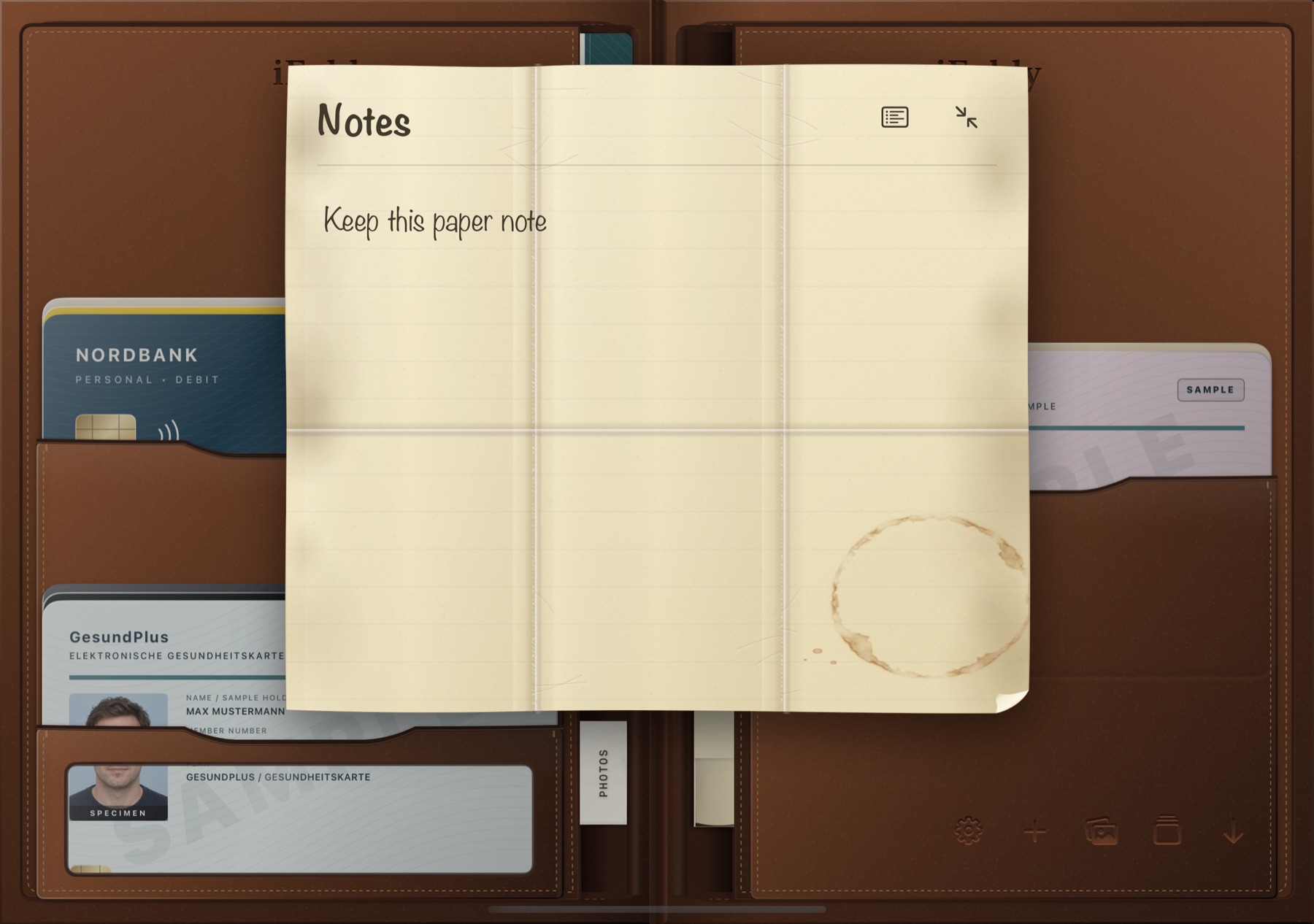
Along the fold, labelled slip pockets hold folded paper, a few photos, your receipts and your stamp cards. Pull one out and it unfolds along its creases — into a note you can write on, a map that finds your way, or the week ahead. On the Duo, the map spreads across one leaf and the route planner sits on the other.
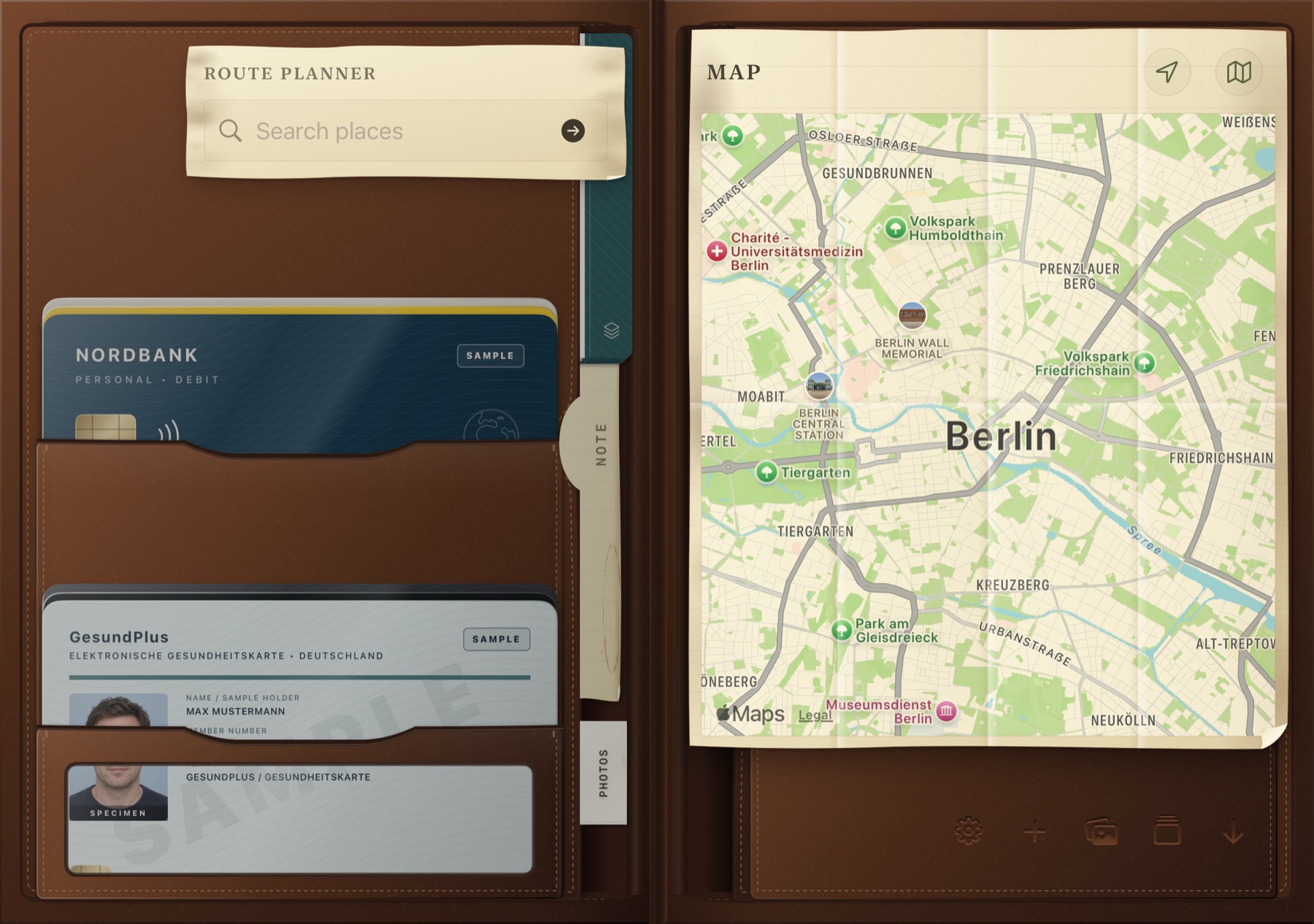
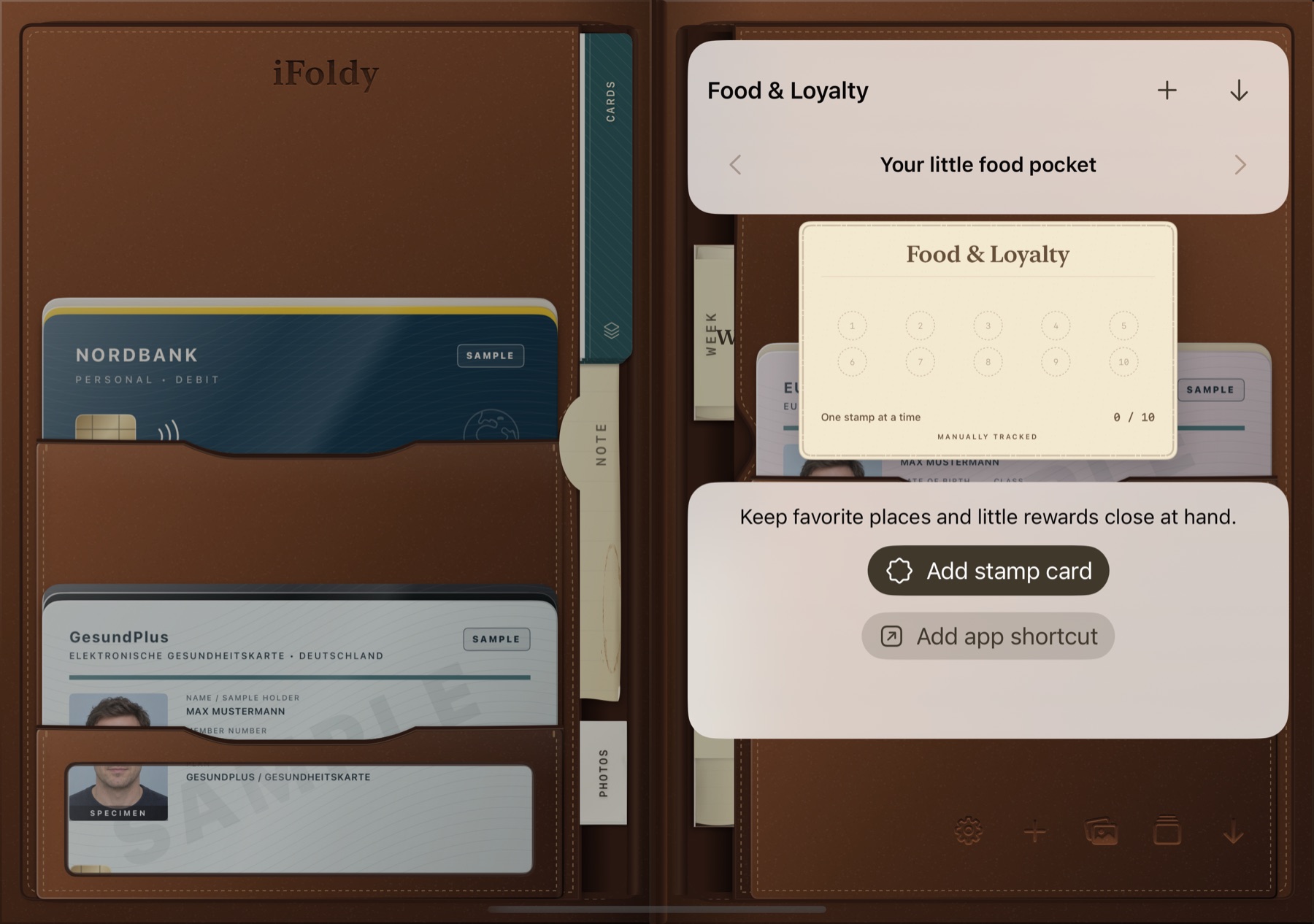
Your contacts as a little stack on six paper designs. Search, flip, then call, message or mail. The cards age with your wallet.
Scan receipts with the document camera, multi-page and straightened. Search finds the text on every page; share a receipt as one PDF.
A small stack of instant prints with a handwritten caption. Pick a photo, crop it square, swipe through the stack. Your originals stay untouched.
A four-section paper calendar shows your week from Calendar. Tap an event’s place and the paper map opens with it.
Switch Notes & Reminders, Business cards, Photos, Receipts, Map, Calendar and Food & Loyalty on or off. Hidden pockets keep their contents.
Make it yours
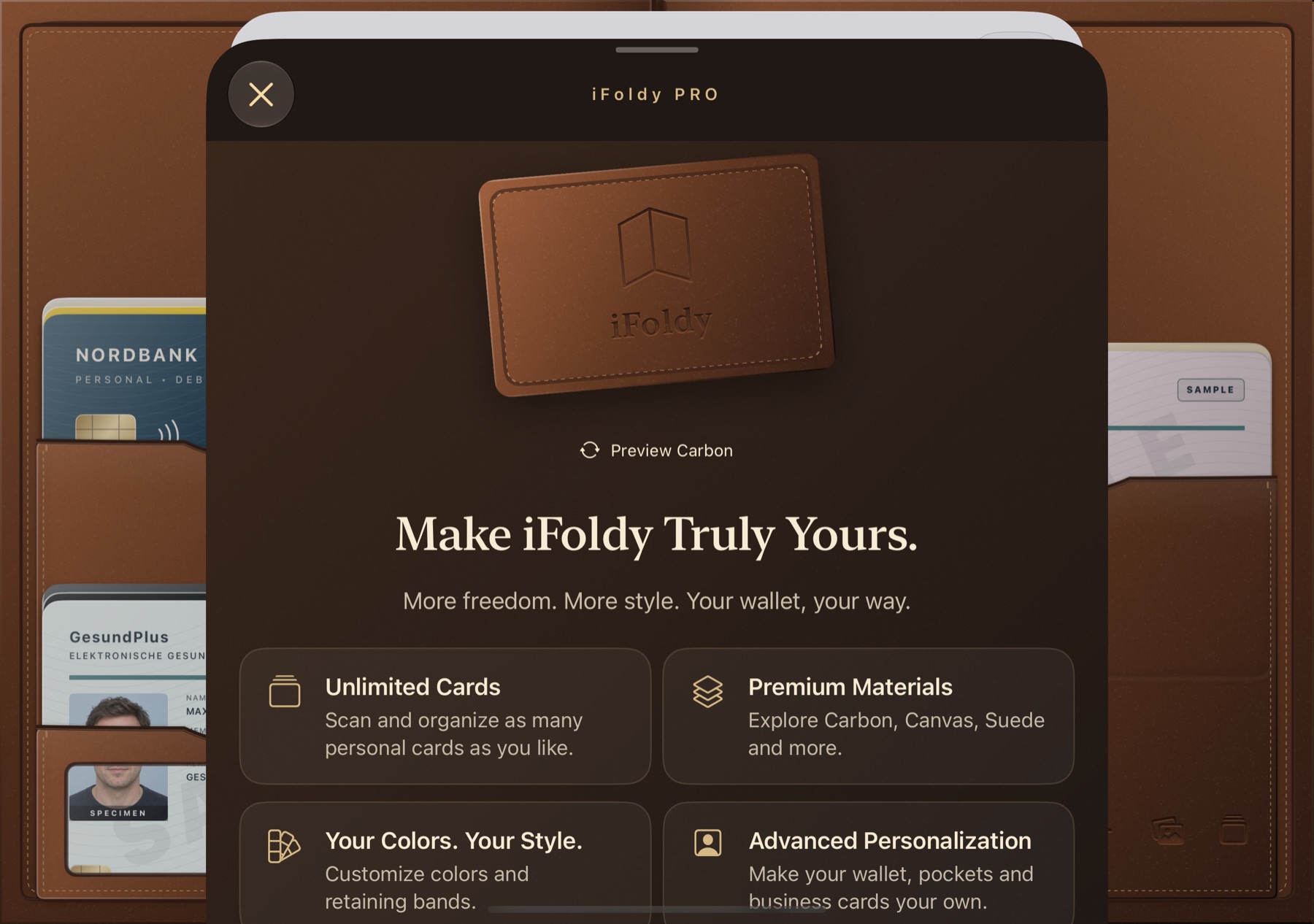
Fine-grain leather, brushed suede, plain-weave canvas or woven carbon — each with its own seams, edges and give. Let it age from new to worn to light or heavy vintage, with patina, scuffs and frayed stitching. Then burn your own name and logo into the cover. Three leathers come free; the other five finishes are part of iFoldy Pro.
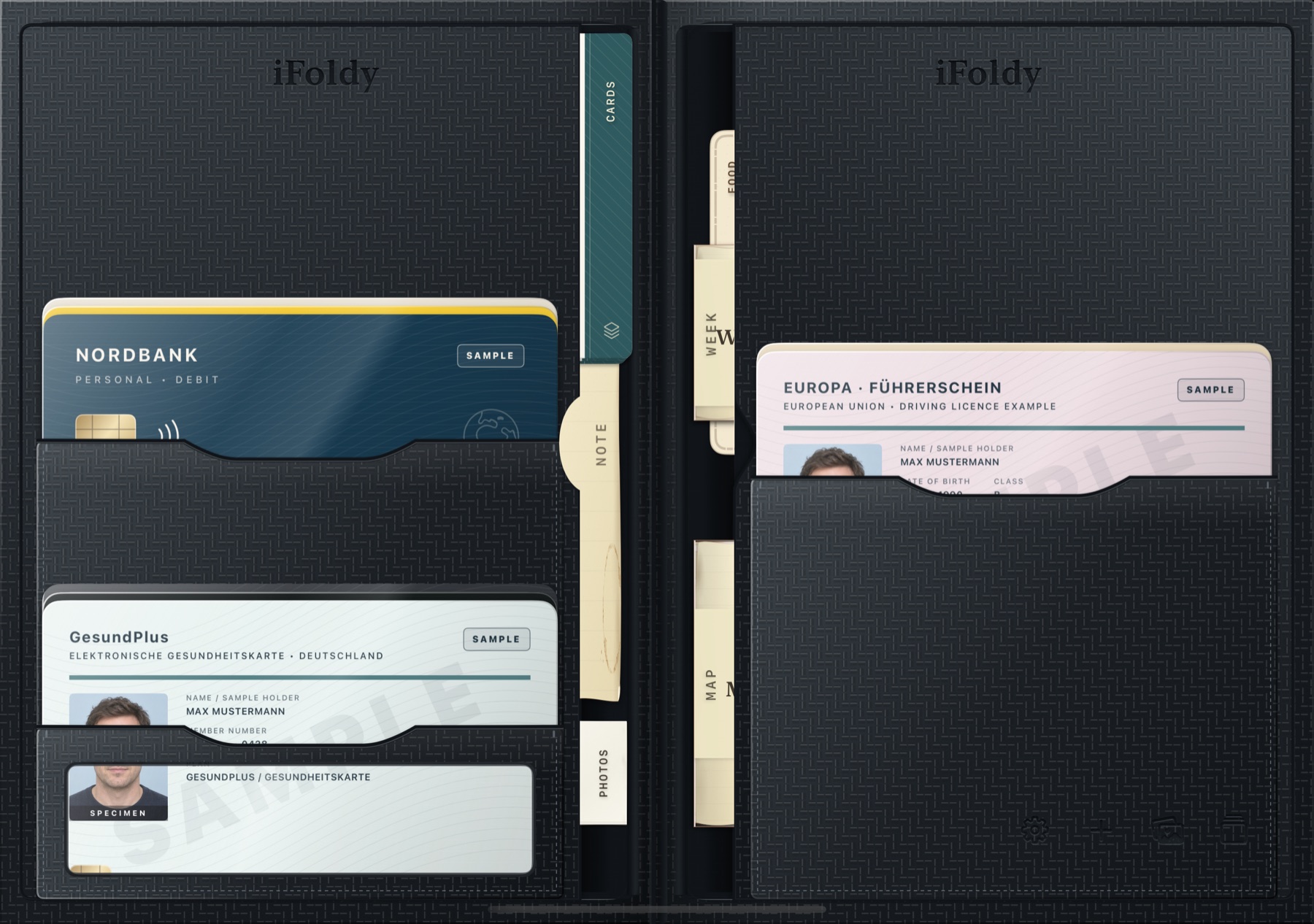
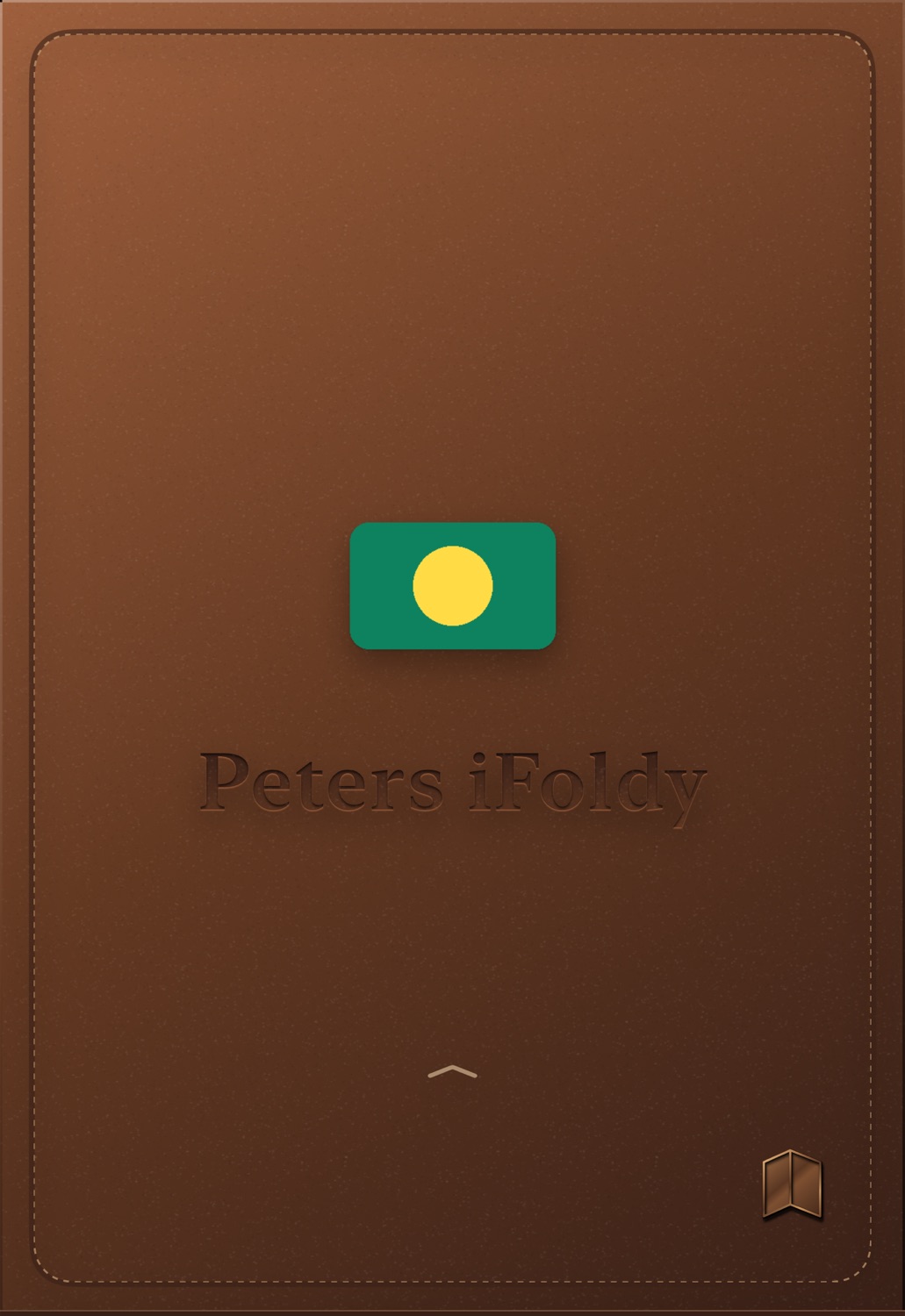
Up to 40 characters, plus the original mark, a symbol or your own picture from Photos — with a live preview on the material.
New, Worn, Light Vintage and Heavy Vintage age every finish, the pockets, sleeves, business cards and even the photo prints.
An optional elastic, nylon or leather band in six colours peels over the edge before the wallet opens.
A see-through pocket on the left or right: clear foil, foil with mesh or mesh only. It scratches and frays with the wallet’s condition.
Vintage
Years of use in a second. Worn, Light Vintage and Heavy Vintage add rubbed edges, darker contact spots, faded stitching and soft creases — on leather, suede, canvas and carbon, on the pockets, the business cards and even the ID window. Drag across the wallet to compare.

Also on iPhone & iPad
On a regular iPhone the whole screen is a single card holder under a sliding cover — in portrait or landscape. On iPad the wallet spreads over two leaves, side by side like a book or stacked like a clamshell.
Swipe the cover up on the phone beside this text, and switch the material below it.
Prefer a real fold on a regular iPhone? The Fold upward view turns the cover around a horizontal hinge and splits the pockets into an upper and a lower half.
Pockets, note, map, calendar and business cards work on every device. Cards stay on the device you scanned them on.

Details
Let iFoldy pick the fold from the display, or choose side-by-side leaves or a top-and-bottom spread yourself.
Soft opening and closing sounds for leather, suede, canvas and carbon. They respect Silent mode.
A light tap when the cover lands, a card seats or a pocket takes a card. Release speed carries into every motion.
No app chrome: settings, add card and your cards are symbols pressed into the leather, with full-size touch targets.
Try it with fictional sample cards for Europe, travel, the USA, Japan and India — as illustrations or as detailed specimens with chips, holograms and sample portraits — without touching your own cards.
VoiceOver labels on every fitting, Reduce Motion support, and an interface in English and German.
Free & Pro
Everything that makes iFoldy a wallet is free. iFoldy Pro is a single in-app purchase — no subscription, no recurring fees — for more cards and every finish. The price is shown in the App Store.
There is no paywall at first launch. Should you ever lose Pro, nothing is deleted — your cards and saved designs stay. Restore your purchase any time in Settings.
Privacy
iFoldy has no account, no cloud of its own, no analytics and no ads. Your cards, notes, photos and receipts never leave the device.
Card images, receipts and photo copies use iOS’s strongest file protection and are excluded from backups.
Camera, edge detection and text recognition run with Apple’s on-device frameworks. No external AI.
Camera, Contacts, Calendar, Reminders and Location are requested the moment you use that feature. Photos come only through the system picker.
No third-party SDKs. iFoldy Pro is bought through the App Store, with no purchase server of our own. Details in the privacy policy.
iFoldy is in the final stretch. It will be available on the App Store — made for iPhone Duo, at home on every iPhone and iPad.
Coming soon to theApp Store